Description
PRODUCT DETAILS
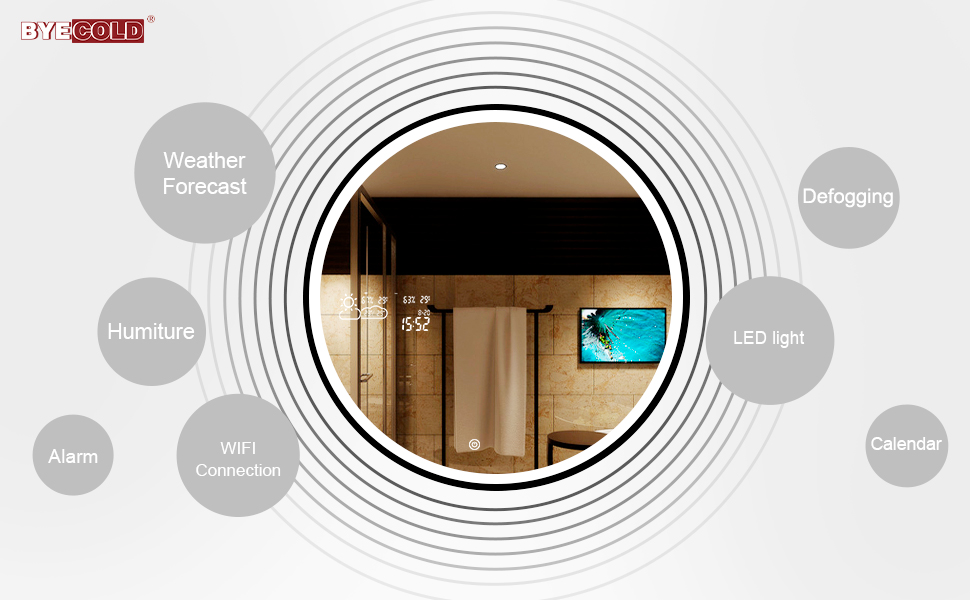
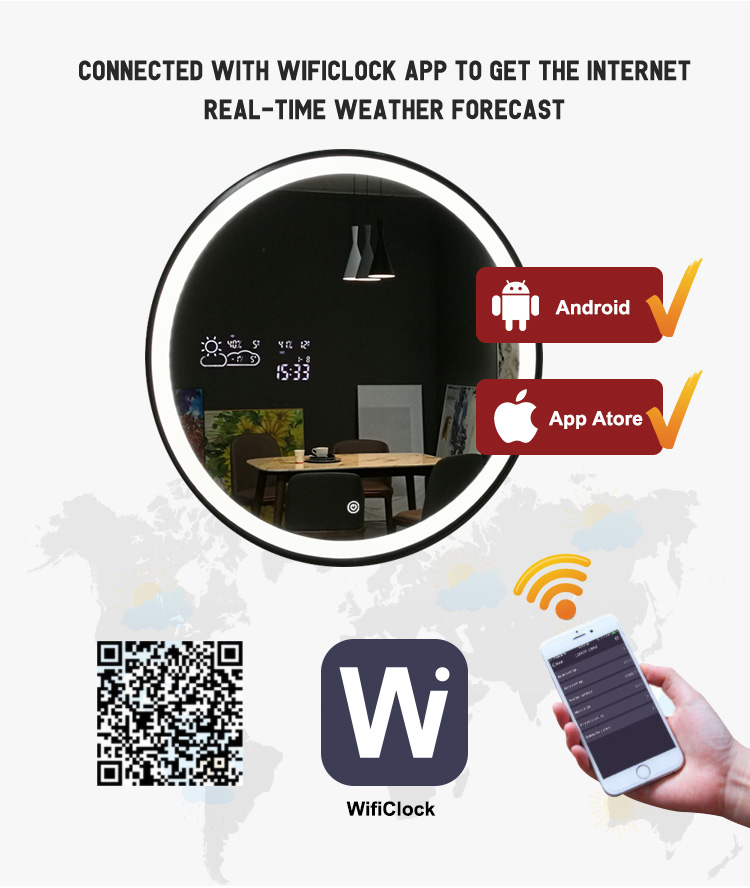
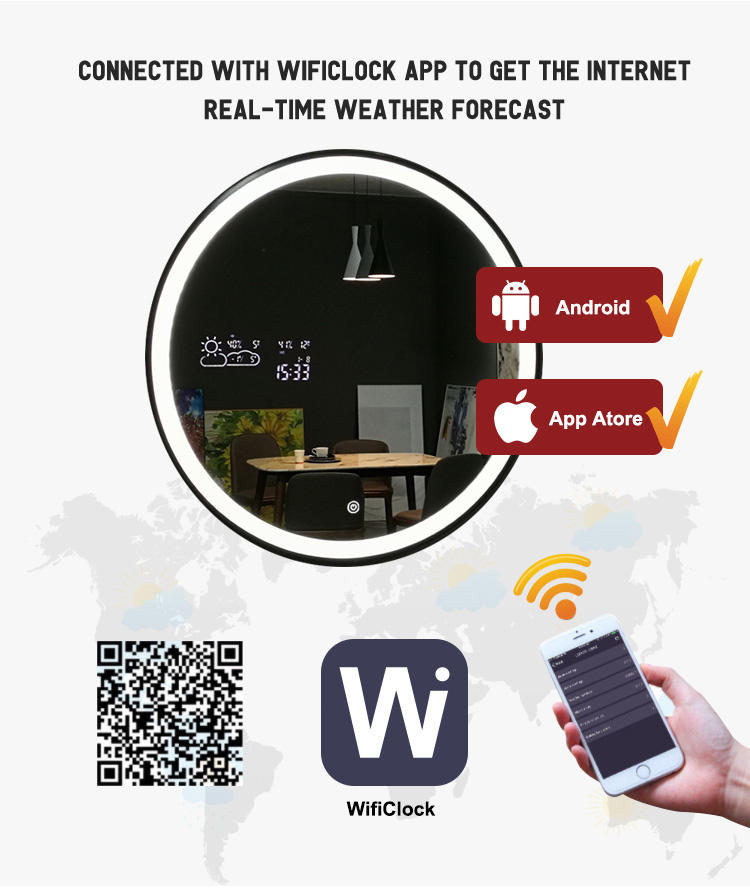
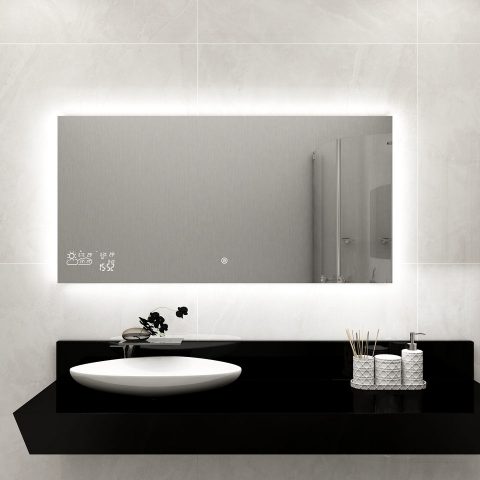
Auto WiFi Weather Update
Once connected with WiFiclock App, you can set 24 hours/12 hours display, day and month mode, temperature unit (Celsius / Fahrenheit), humidity and alarm setting
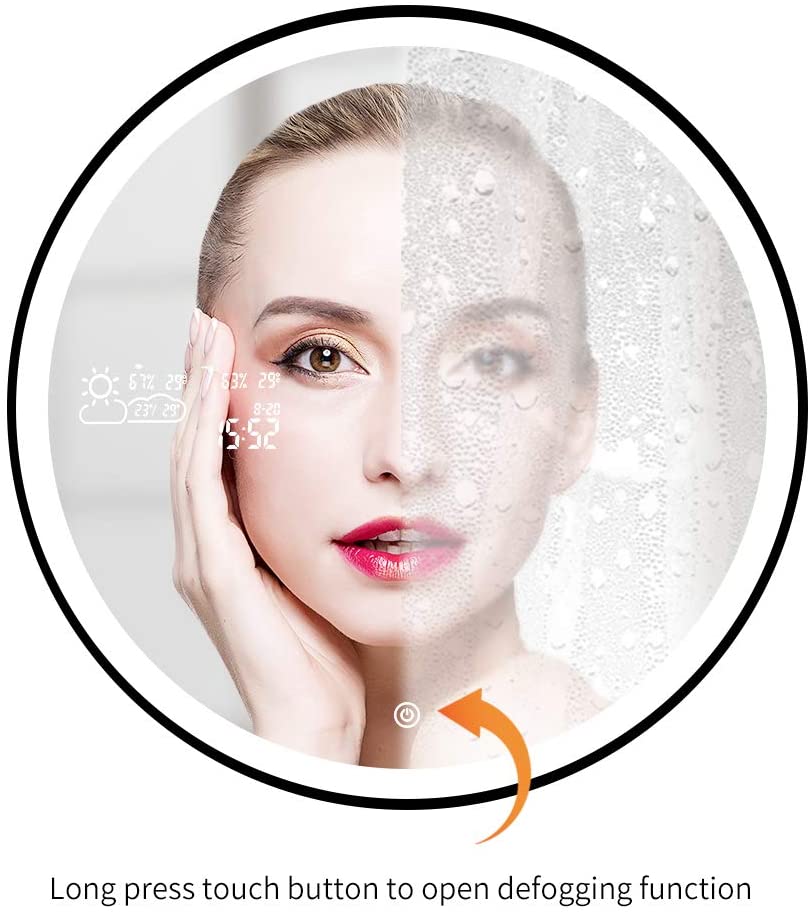
Anti-fog Mirror Surface
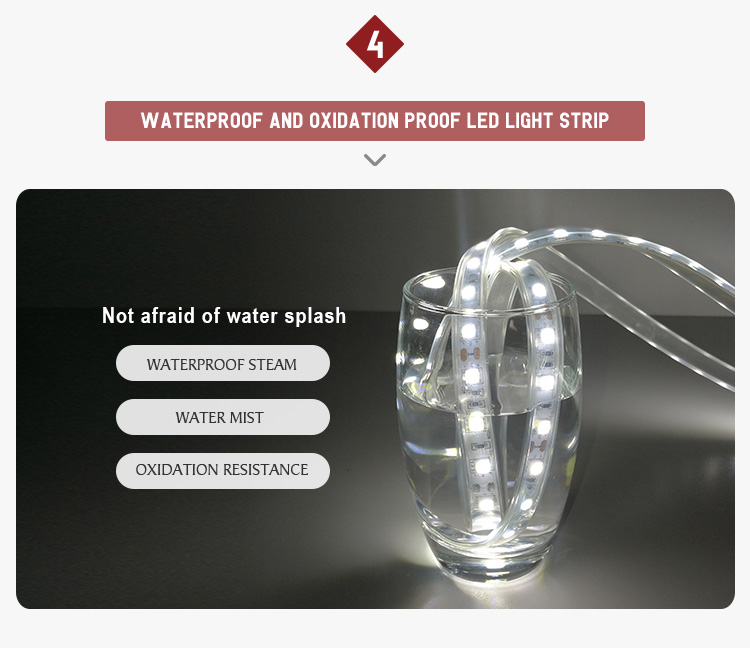
Open the defogging function before your use, never worry about the mist or drops of water to cover the mirror surface.
Smart Touch Switch
One click to open the LED light,Double-click to open the smart interface,Long pressed to activa
.
Multifunctional Setting
A mobile phone can add several WIFI clock terminals, for each WIFI clock device, you can make the following settings.
1. Basic setting: 24 hours/12 hours display selection; day and month mode, temperature unit selection; digital tube display brightness adjustment on the mirror.
2. Alarm setting: You can set several groups of alarms through the mobile phone. Until the time, the buzzer alarm inside the mirror will sound.
3. Weather setting: After the weather scroll screen is turned on, the screen will scroll the weather of the day and tomorrow
4. The device displays 11 different icons, including sunny, overcast, cloudy, light rain, heavy rain, thunderstorm, shower, light snow, heavy snow, sleet and haze / fog.

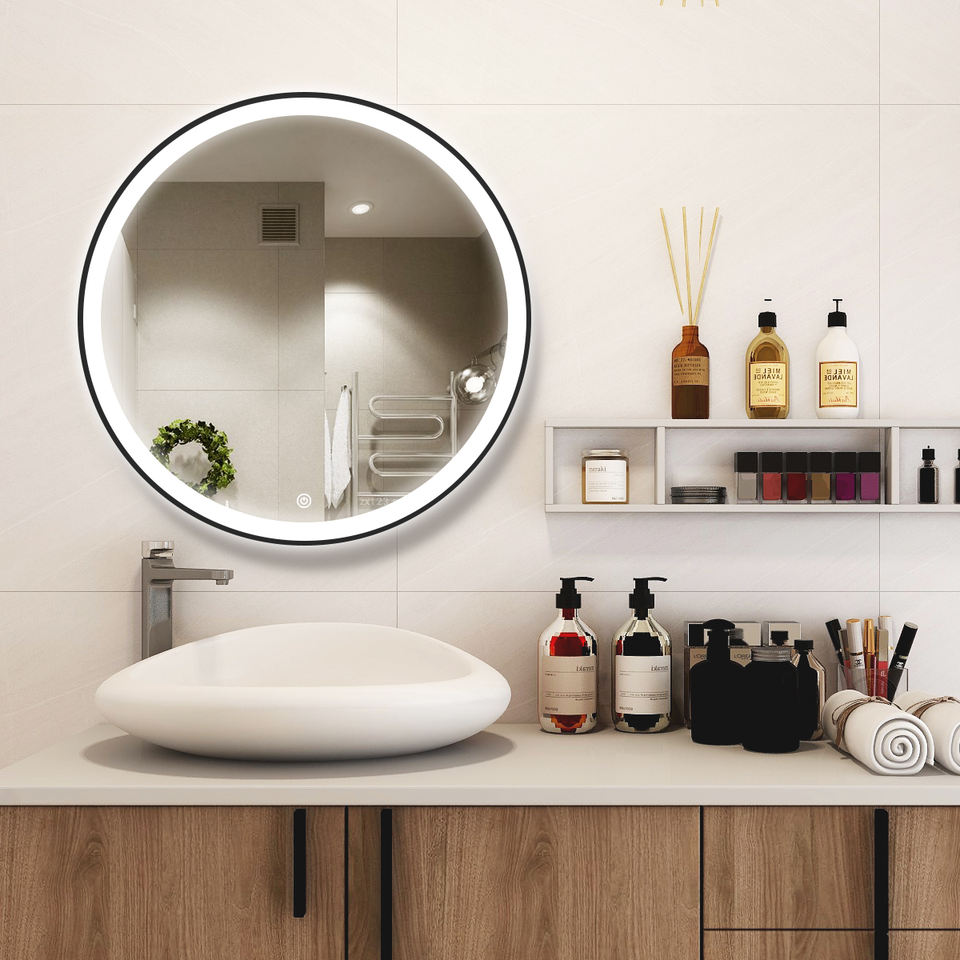
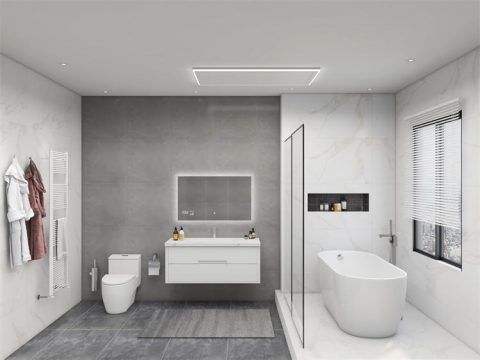
SCENE DISPLAY